During my days at Tessact we developed one of the most powerful semantic searches in our domain. It started as a project to demonstrate our understanding of a video from plot to pixel.
Tessact is building the intelligence layer for video.
It allows production houses, traditional media houses and marketing firms to ingest live streams and video archives. It acts as a collaborative playground to repurpose, create and generate on-brand video outputs at scale.
When you’re in the business of videos, there always the issue of having to look through way too many files, not knowing where a particular scene is or even finding the video you evidently know the name of.
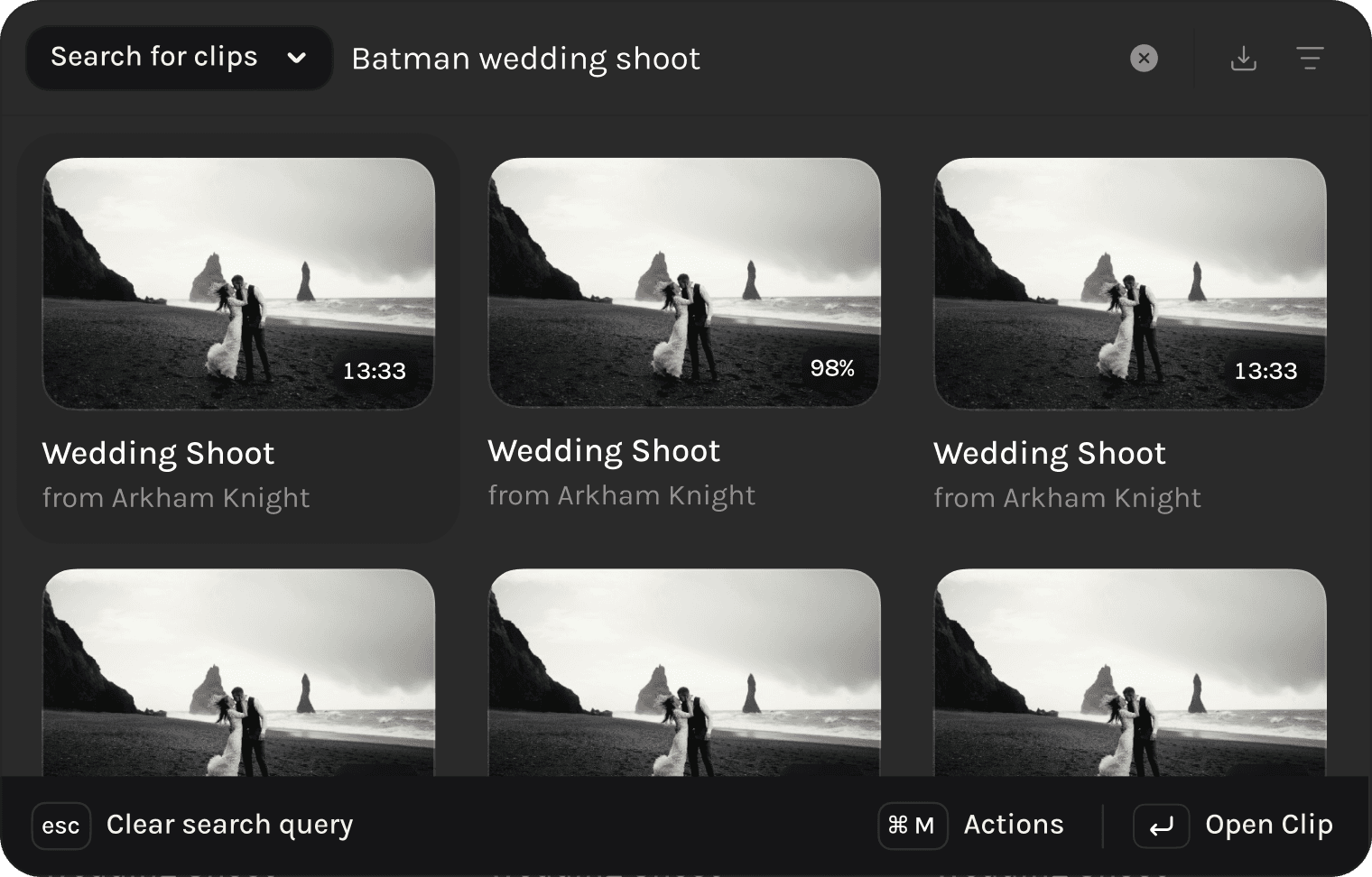
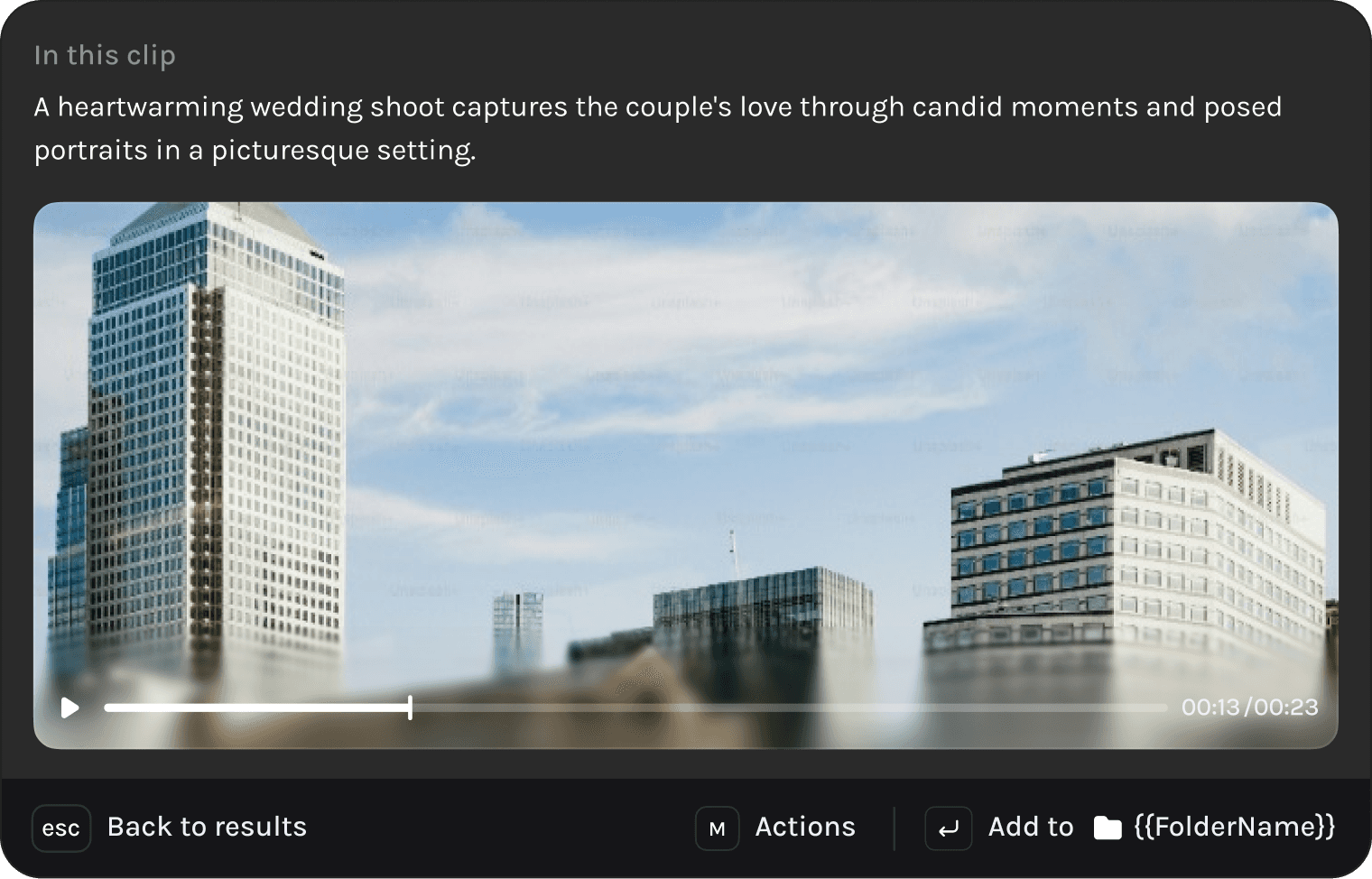
AI clip search
Scoped clip search
Considering we’re an enterprise SaaS tool, we have customers with upto 2 million video assets in their library. However accurate our AI clip search is, the results are still noise if a user can’t wear horse blinders every once in a while.






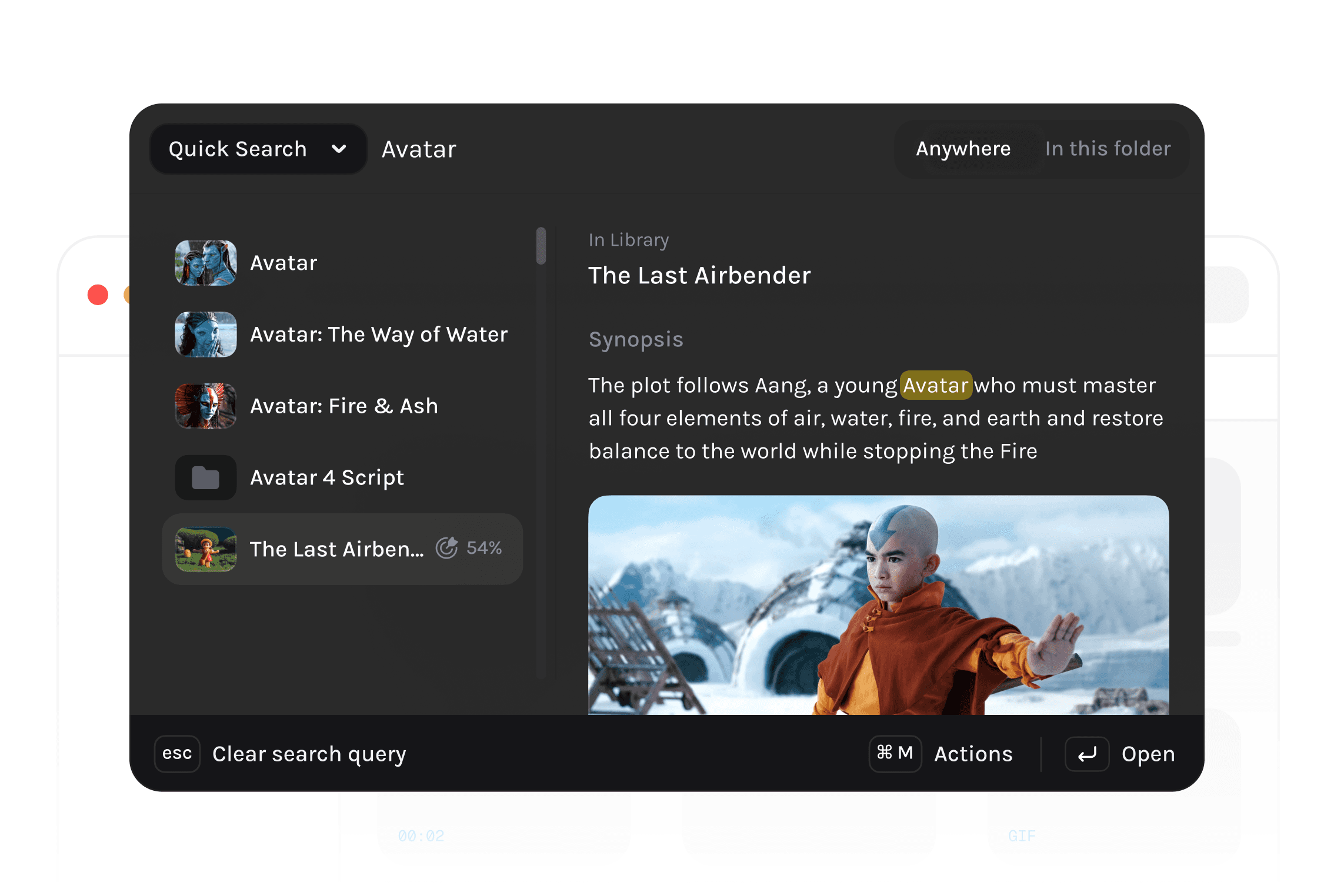
Quick Search
Not every search query is meant to understand frames or ping LLMs.
Some are simply a user finding a movie for a million movies. But we still asked the question, if this is what the user is trying to do, can we anticipate that and make a simple title match seem magical.

Now there are cases where it’s not only title name they’re looking for. They could search for an actors name to find a particular movie. However this info isn’t in the title, isn’t in any frame, but is rather in the Cast & Credits that’s part of the metadata of the movie. We’ll find that as well, no problem.
Having No Results
One of the trickiest bridges to cross with AI is hallucination. When you search a query our AI models will find you anything and everything that comes close to your query.
For most search queries, A 93% match would rank 1st on the list and a 92% match would rank 2nd, which is exactly how you’d like it to behave.
But for some queries, a 20% match to your query is still considered a Rank 1 result since there’s nothing better to find. But humans don’t like that result and would rather be told that there’s no match.
Contextual Addition to File Zones
Accommodating File Types
There’s a level of tolerable file types that any platform has to support. This is purely self implicated work to make your users feel comfortable. As a video platform we need to accomodate way more than just videos.
There could a background music track or an entire movie script, these kind of files make sense to be uploaded to Tessact, hence they are relevant to be searched through.
Custom-built for Power users
While we looked at PostHog to understand how our users went about navigating Tessact, it became evident that some of our users took certain actions repeatedly, multiple times a day. We built a few hidden capabilities that made users feel more in control.
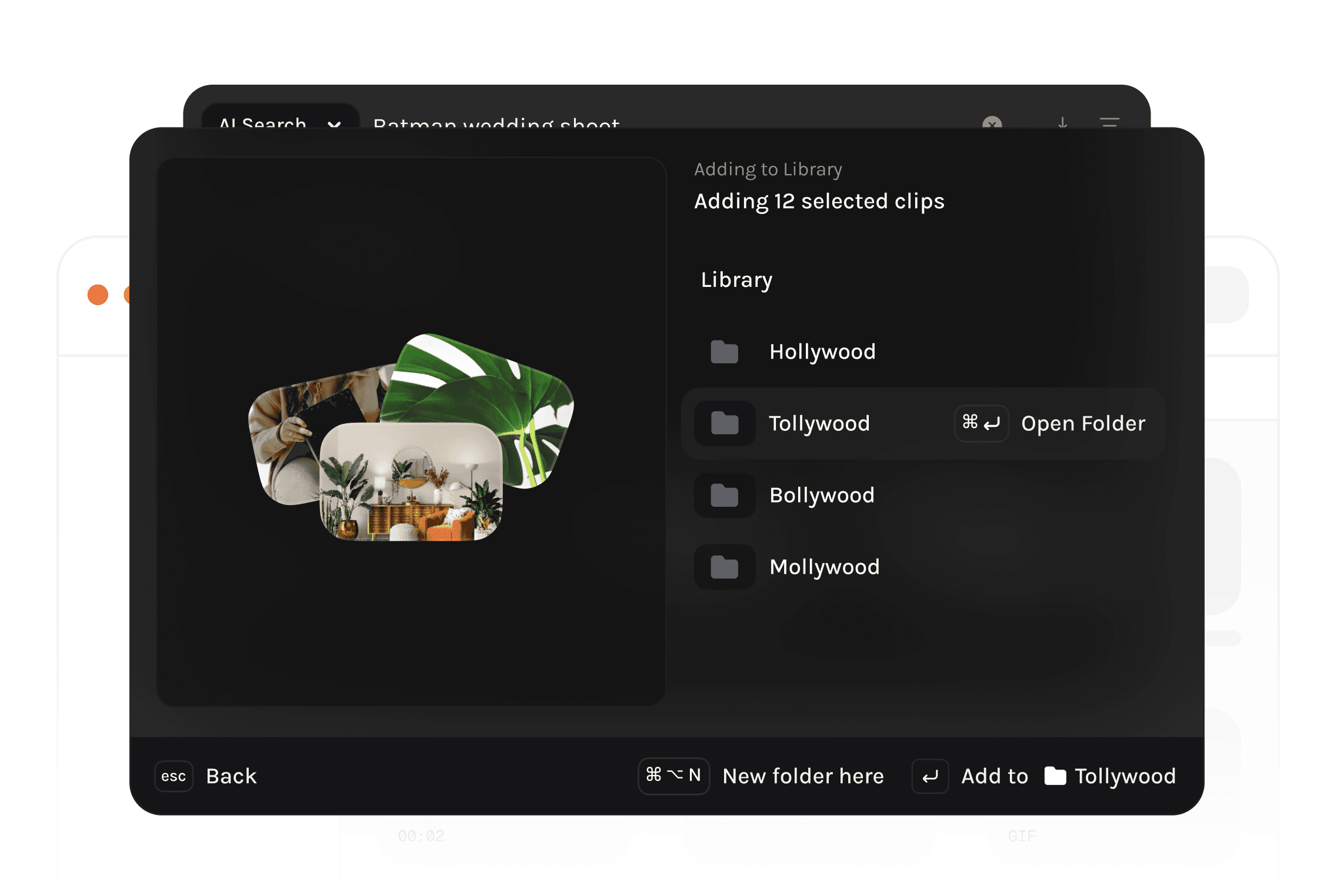
Creating Folders & Projects
Enabling users to type out commands for the most commonly used creation flows reduced our interaction cost in multiple key user flows enabling users to invest more time in our product, in turn improving retention rates
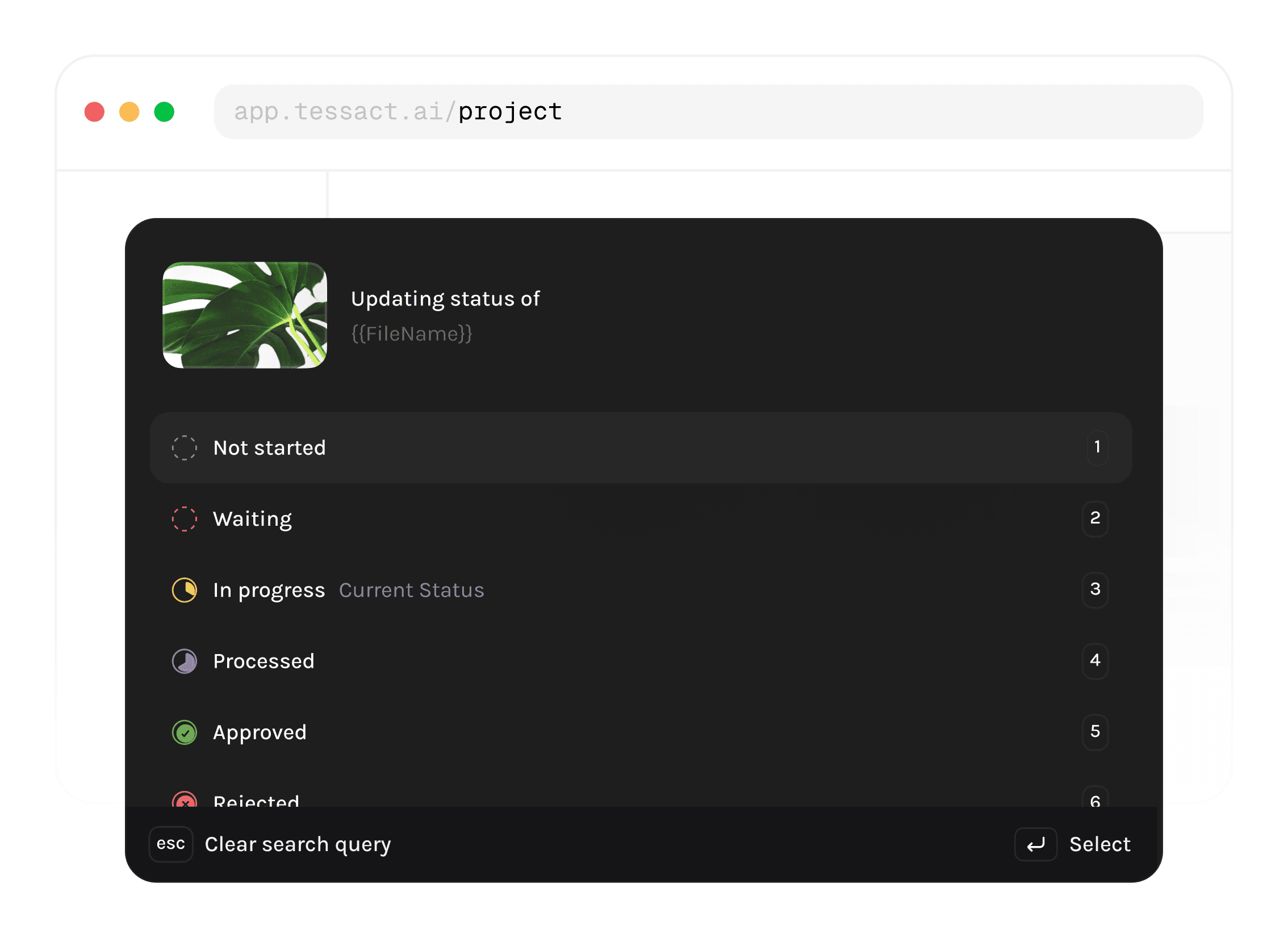
Updating status of a project
Speed acting on crucial steps in their content collaboration flows tends to shave off some seconds per project.
For a team, that has 400 projects per day, with an average of 6 steps per project, this equates to saving 2 whole days per month.
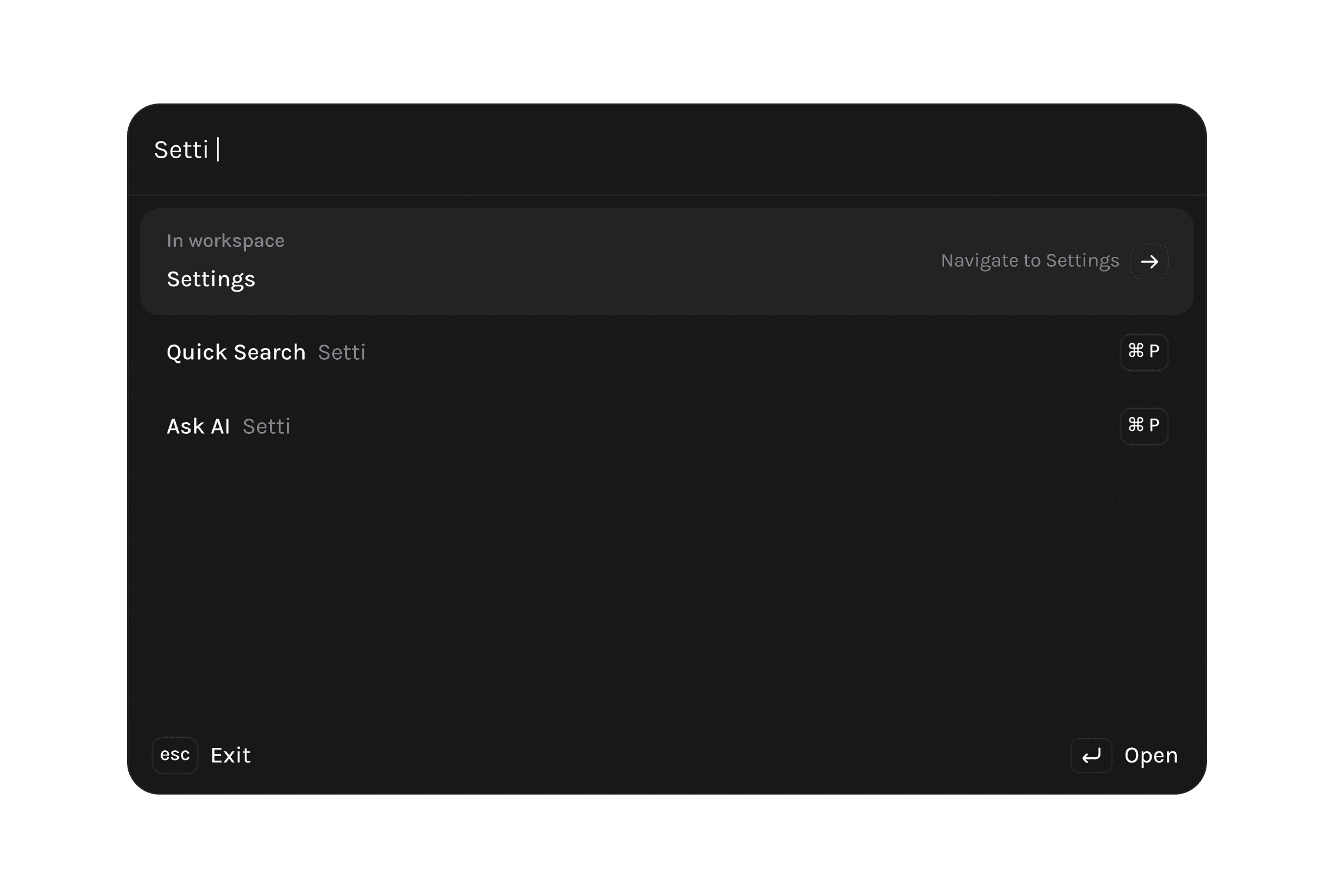
Navigating across Tessact
When you’re building a product as complex as Tessact a lot of features, pages & parts of the product are nested, enabling a user to type a page name and get them there is invaluable.
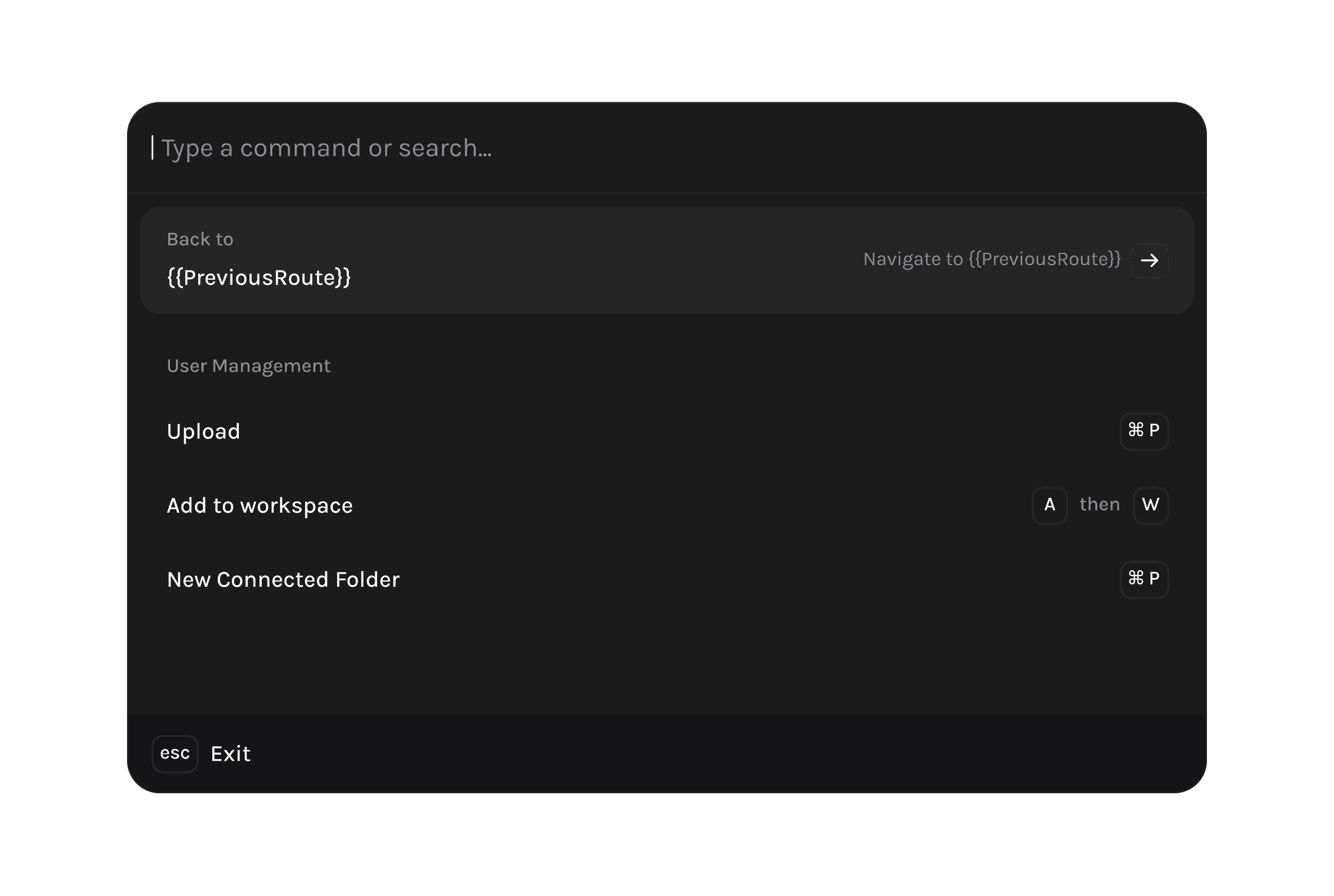
Return routes
But navigating without actually going step by step involves not knowing how to get back to where you came from, what if we remembered routes so that you can always teleport back without worrying.
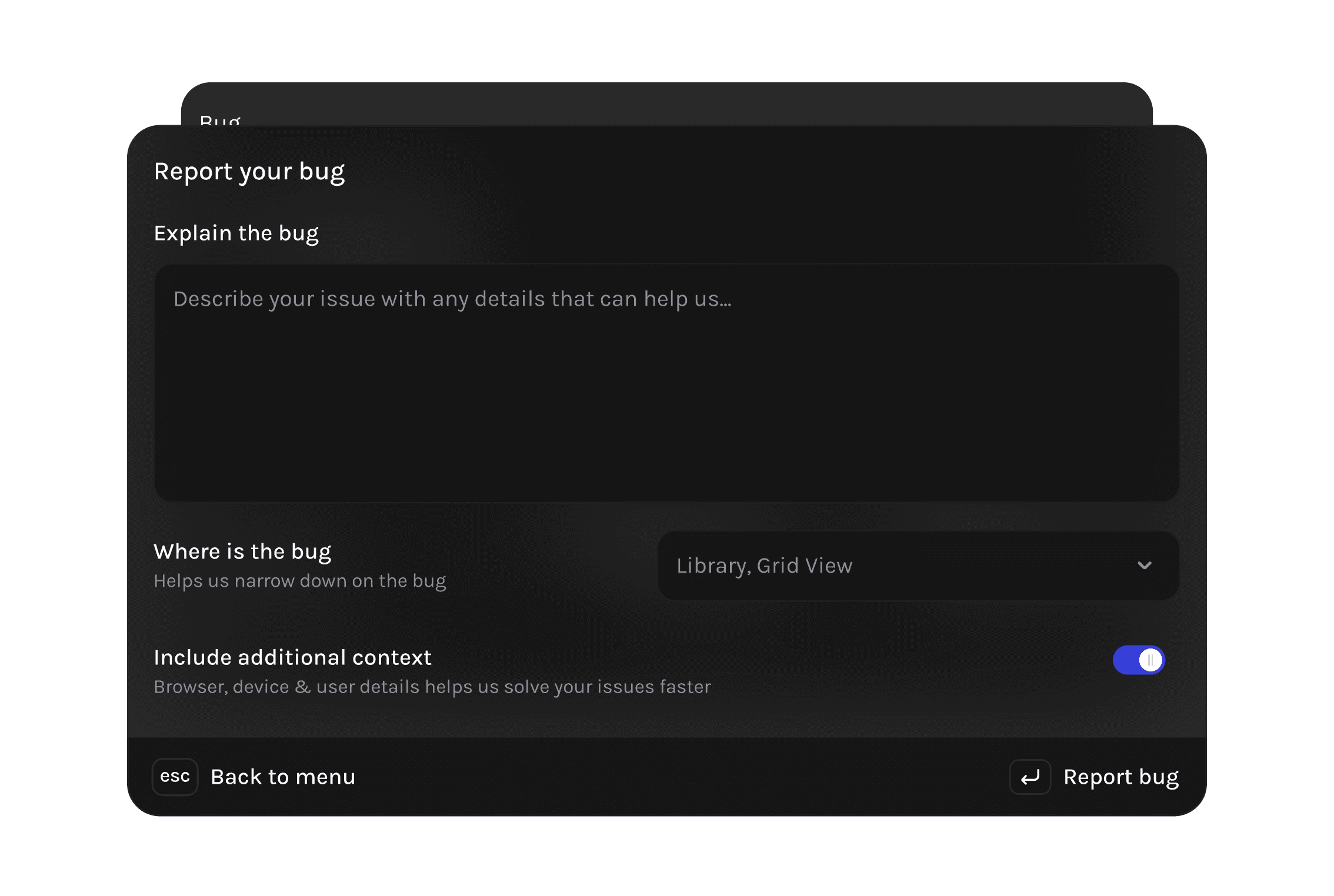
In-product bug reporting
When our customers talk to us, we used to only hear from the point of contact or the higher ups, but we wanted everyone to feel like they could give us feedback.
Fire up cmd + k type out bug, report it and we’ll reach out with how we’ll fix your problem and when.
Acknowledgements
Developed by Unnati, Nitin & Rashad.
Inspired by Rauno’s component, Linear’s keyboard friendly UX and occasionally Raycast’s design principles, without none of which we’d have been able to cook this up.